Know a customer has paid before they leave the counter.
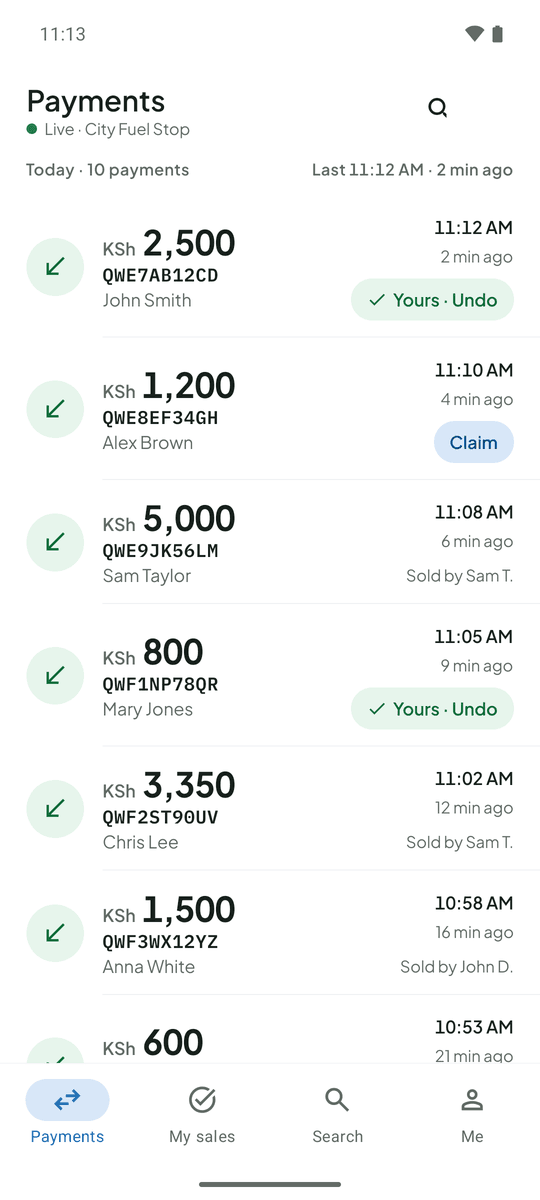
A queue at the counter, a customer holding up their phone, and your Till phone out of sight. TillSync shows every M-Pesa payment on the phone you have in your hand.
The problem at shops and kiosks
Every time someone checks the Till phone, the message with your account balance is on screen. When you are away from the shop you can’t tell what has been paid. And by evening a busy hour is a blur of payments you can’t put in order.
What changes with TillSync
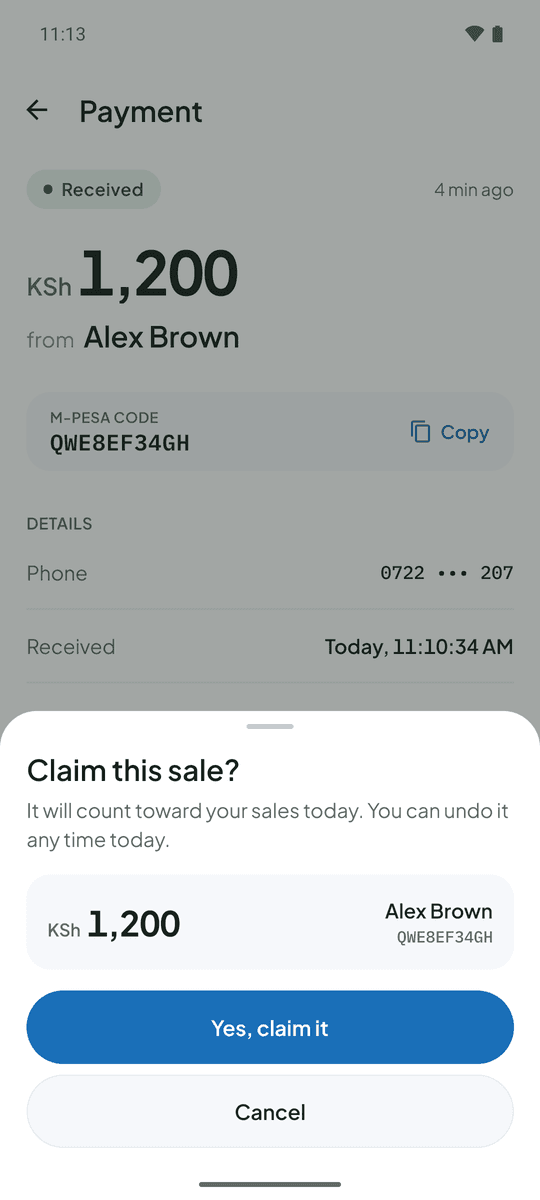
Each payment appears with its amount and the payer’s name, so a customer is confirmed before the queue notices. From home you can open the dashboard and see today’s total, your busiest hour and every payment. Your helpers see what they need to serve customers, and not your balance.
Saturday afternoon. Three customers pay within two minutes. Your helper confirms each one from the feed, you glance at the total from the back office, and nobody touches your Till phone.
Questions from shops and kiosks
Can I run TillSync with just one helper?
Yes. A team can be one person or many. Add your helper with their account ID and choose what they can see.
Do I need a separate phone for the Till?
A separate Android phone that stays at the counter is the most reliable, but you can also use your own Android phone as the Till phone.
More on the FAQ page.
Other businesses that use TillSync
Ready for a more connected counter?
Create your business, connect the Android phone that holds your Till SIM, and bring your team in.